THE OPERATING PROBLEM
Know who is waiting, who is next, and where the match goes
A manual list can show an order, but it does not automatically connect that order to match format, partner behavior, court availability, or completed results. During a busy Open Play session, staff still have to answer the same questions repeatedly while keeping rotations fair and courts moving.
KyuPlay works as a desktop pickleball queue system for that operational flow. Venue staff manage registered players and guests directly, so an individual KyuPlay player account is not required just to join the documented queue or session.
ONE CONNECTED WORKFLOW
Waiting order to match history
- 01
Enter the waiting order
Staff add the participating registered players or guests and retain a clear view of who is waiting.
- 02
Choose the matchmaking approach
Use a supported mode—Balanced, Skill Based, Winners / Losers, or Round Robin—for the session being run.
- 03
Generate and assign the match
Create Singles, Doubles, or Mixed Doubles play, then send the match to an available court.
- 04
Run the session forward
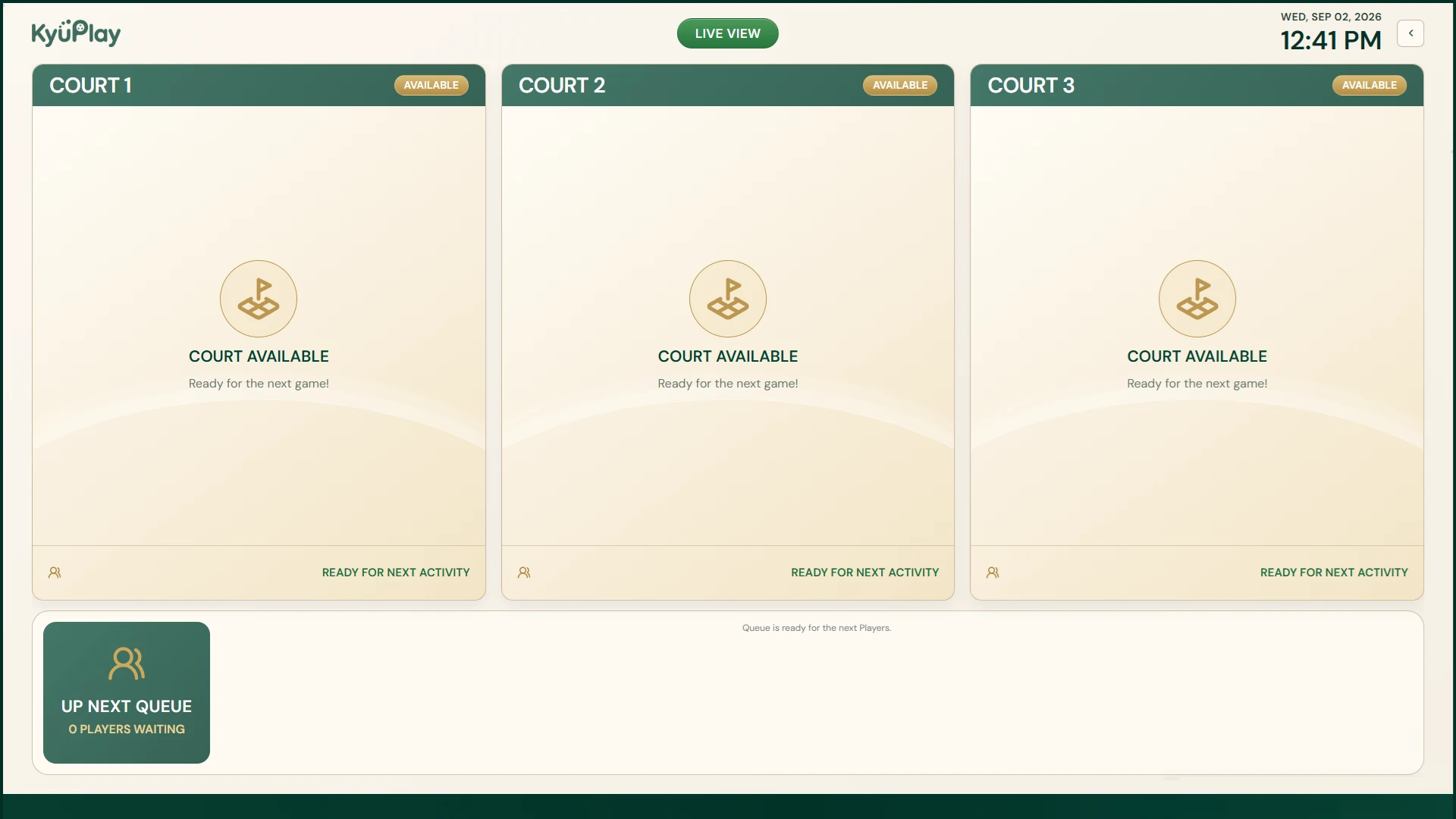
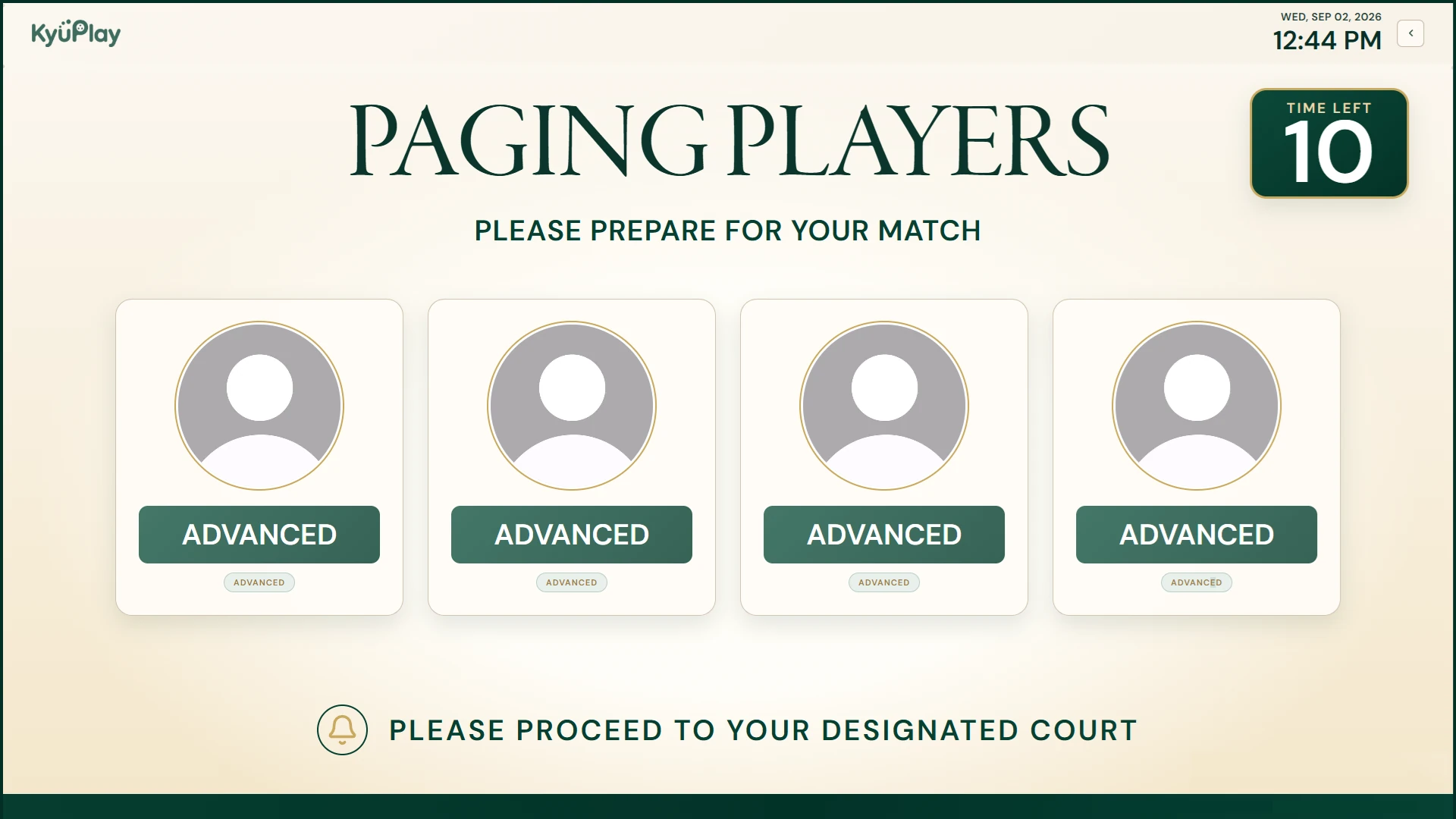
Show current play and Up Next in Live View, page players when needed, and keep the completed result connected to history and statistics.
SESSION OPTIONS
Formats and partnership behavior for real Open Play
Match formats
Run Singles, Doubles, or Mixed Doubles sessions from the same waiting-order workflow.
Balanced or skill based
Build matches around balance or skill when that is the right fit for the session.
Winners / Losers
Use the supported Winners / Losers approach when progression depends on prior outcomes.
Round Robin
Run supported Round Robin matchmaking, with fixed or rotating partnerships for Doubles and Mixed Doubles where applicable.
PART OF THE VENUE
The queue stays connected to courts and records
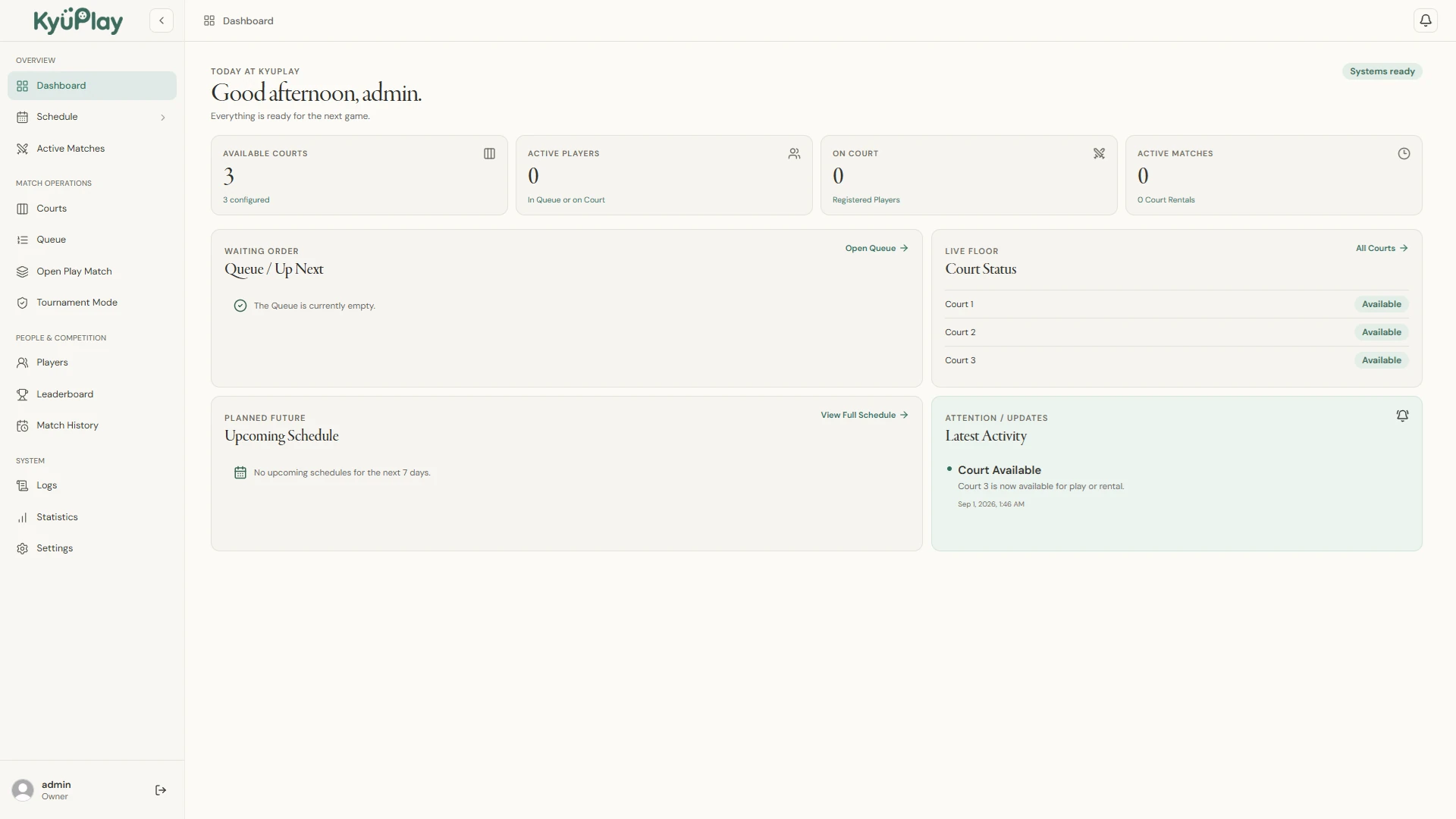
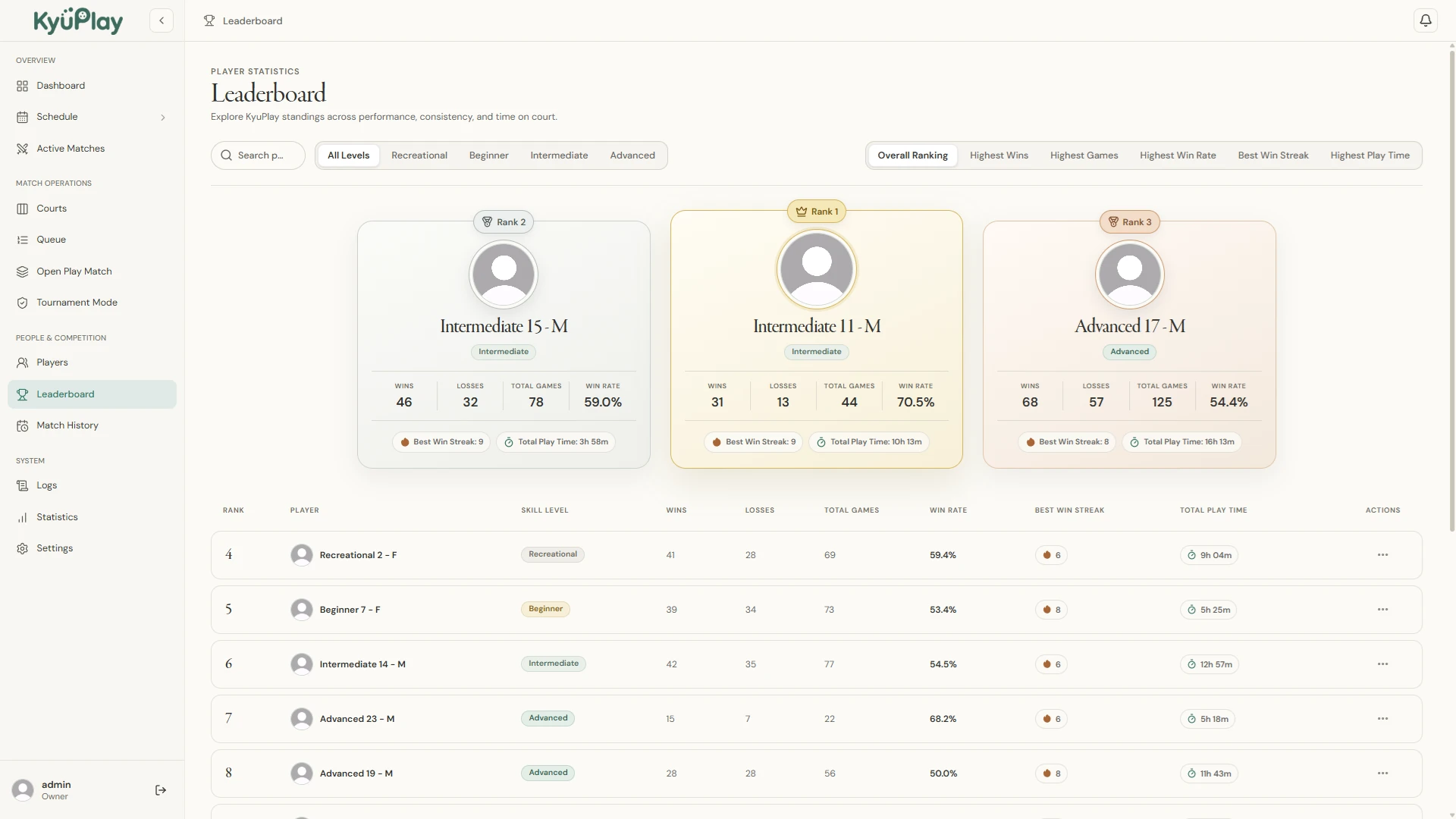
This is more than a standalone queuing screen. KyuPlay connects Open Play to court status and wider venue management, schedules, results, player records, tournaments, leaderboards, and statistics.
Local operation, stated accurately
Core venue operations and venue data are designed to run locally on the installed computer. Internet may still be required for licensing, activation, installer downloads, and separately added online services; KyuPlay is not described as permanently or universally offline.
Review the desktop data model, current downloads, or pricing options.
REAL PRODUCT VIEWS
See the KyuPlay workflow
These are current KyuPlay desktop screens, not conceptual mockups.
READY FOR THE DESKTOP?
See the current KyuPlay releases
Review the live Windows and macOS beta release status before downloading.