CURRENT RELEASES
Choose your platform
Version and availability information below is read from KyuPlay’s authoritative public release configuration.
Windows
The primary KyuPlay desktop release for venue operations. Use the official handler below to reach the current Windows installer.
- Current version
- 3.0.2
- Release status
- Available
macOS
The current beta build for macOS. Beta status remains visible so venues can make an informed platform choice.
- Current version
- 3.0.2
- Release status
- Available
INSTALLATION & UPDATES
Download the current installer when you are ready to update
KyuPlay currently uses manual desktop releases. Check the version displayed for your platform, download through the official handler, and run the installer when you are ready. This page does not publish unverified operating-system or hardware requirements.
Keep a current KyuPlay backup before major upgrades or migrations. Supported backup and restore workflows move compatible venue data, but restoring that data does not transfer licensing or activation to another computer.
LICENSING & SUPPORT
Connectivity is still required for specific tasks
Licensing and activation
Internet access may be required for KyuPlay licensing and activation, installer downloads, and online services added separately. Core venue operations and venue data are designed to run locally on the installed computer.
Official support
Email kyuplay.app@gmail.com or contact KyuPlay through the official Facebook page.
BEFORE YOU INSTALL
Review how KyuPlay fits your venue
Explore pickleball court management, the Open Play queue and court-rotation workflow, or the desktop and local-data model.
For subscription options and the current trial process, view KyuPlay pricing.
REAL PRODUCT VIEWS
See the KyuPlay workflow
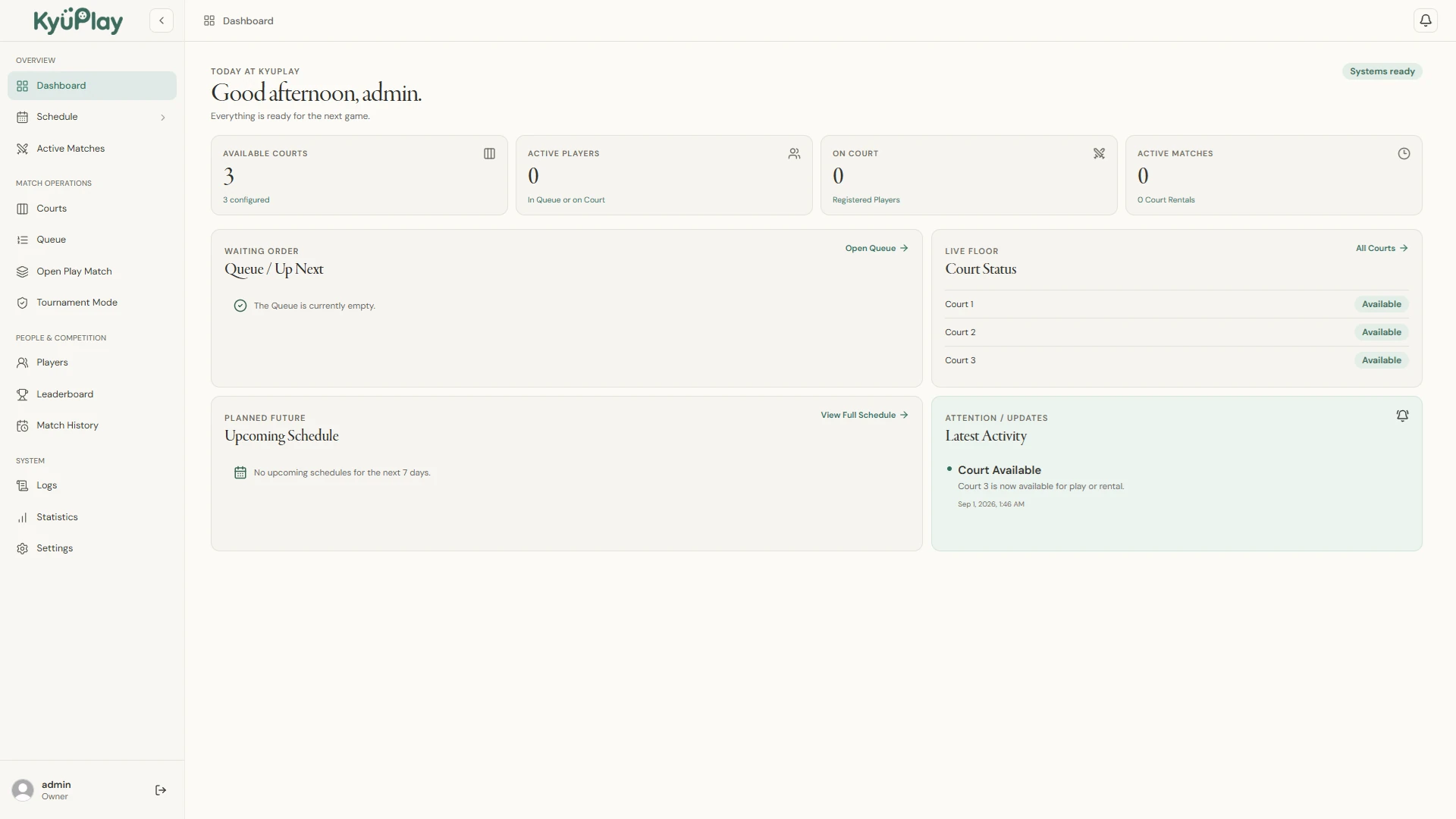
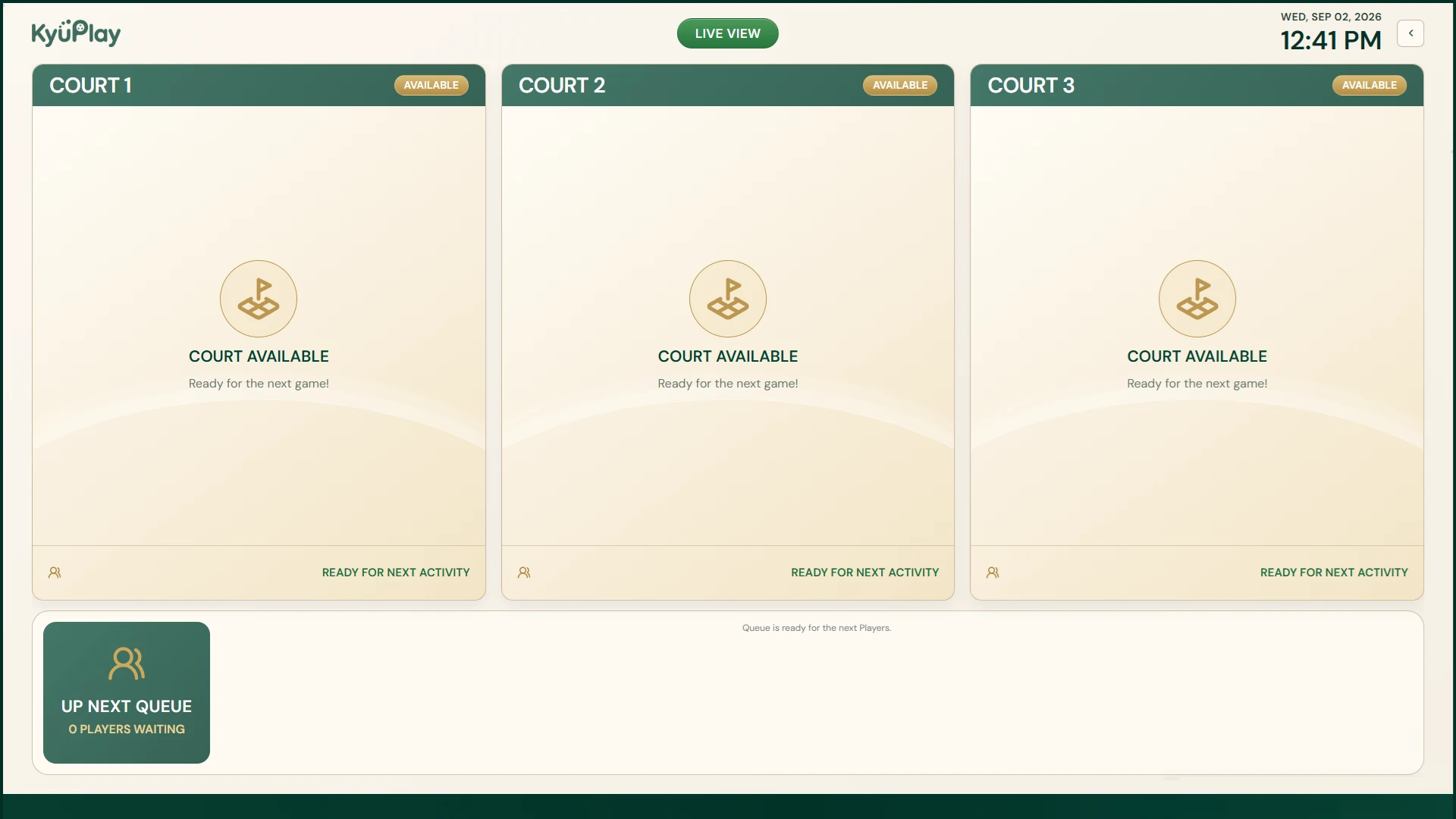
These are current KyuPlay desktop screens, not conceptual mockups.
READY FOR THE DESKTOP?
See the current KyuPlay releases
Review the live Windows and macOS beta release status before downloading.