THE DESKTOP MODEL
Core venue work runs on the installed computer
KyuPlay keeps core venue operations and venue data with the installed desktop application rather than treating this public website as the venue database. That model gives operators a direct working environment for live courts, Open Play, players, matches, schedules, tournaments, Live View, and operational reporting.
Local-first does not mean that every scenario is permanently disconnected. Internet access may still be required for licensing and activation, downloading installers, and online services added separately. The website, administration system, and licensing data are also separate from the venue records managed by the desktop application.
PLATFORMS
Windows first, with macOS in beta
Use the release that matches the venue computer and review the live status before installing.
Windows
Windows is KyuPlay’s primary desktop release platform. The download page shows the current live version and official installer action.
macOS
macOS is currently offered as a beta release. Check its current enabled status and version before downloading.
PORTABILITY & RECOVERY
Back up, restore, and export supported venue information
Backup
Create a supported full-venue KyuPlay backup and keep a current copy before major upgrades or migrations.
Restore
Replace venue data from a compatible KyuPlay backup. Restoring venue data does not transfer a KyuPlay activation to another computer.
Excel export
Export supported operational information to a multi-sheet Excel statistics workbook for review, reporting, sharing, or record keeping.
Manual updates
KyuPlay currently uses manual desktop releases: review the current version, download the installer from this site, and install the update when ready.
OPERATIONAL SCOPE
Court and queue workflows remain connected
Use the desktop model for day-to-day court operations and the Open Play waiting-order and rotation workflow.
What this page does not promise
KyuPlay is not described as 100% offline, able to work without internet forever, or universally cloud-free. It also does not claim online booking, point-of-sale, payments, memberships, player mobile apps, or cloud synchronization.
For the separation between public website information and desktop venue records, see the KyuPlay Privacy Policy.
REAL PRODUCT VIEWS
See the KyuPlay workflow
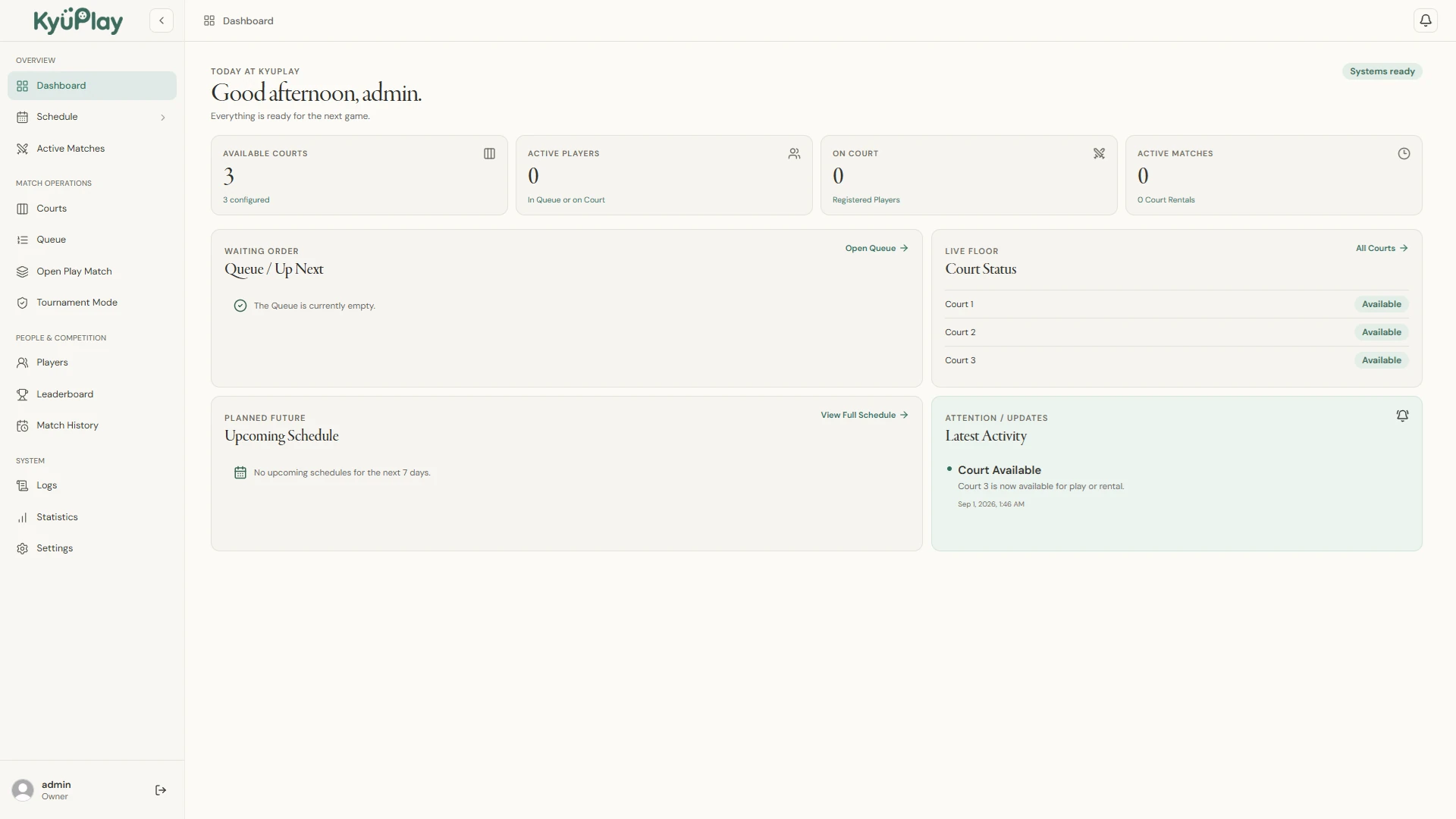
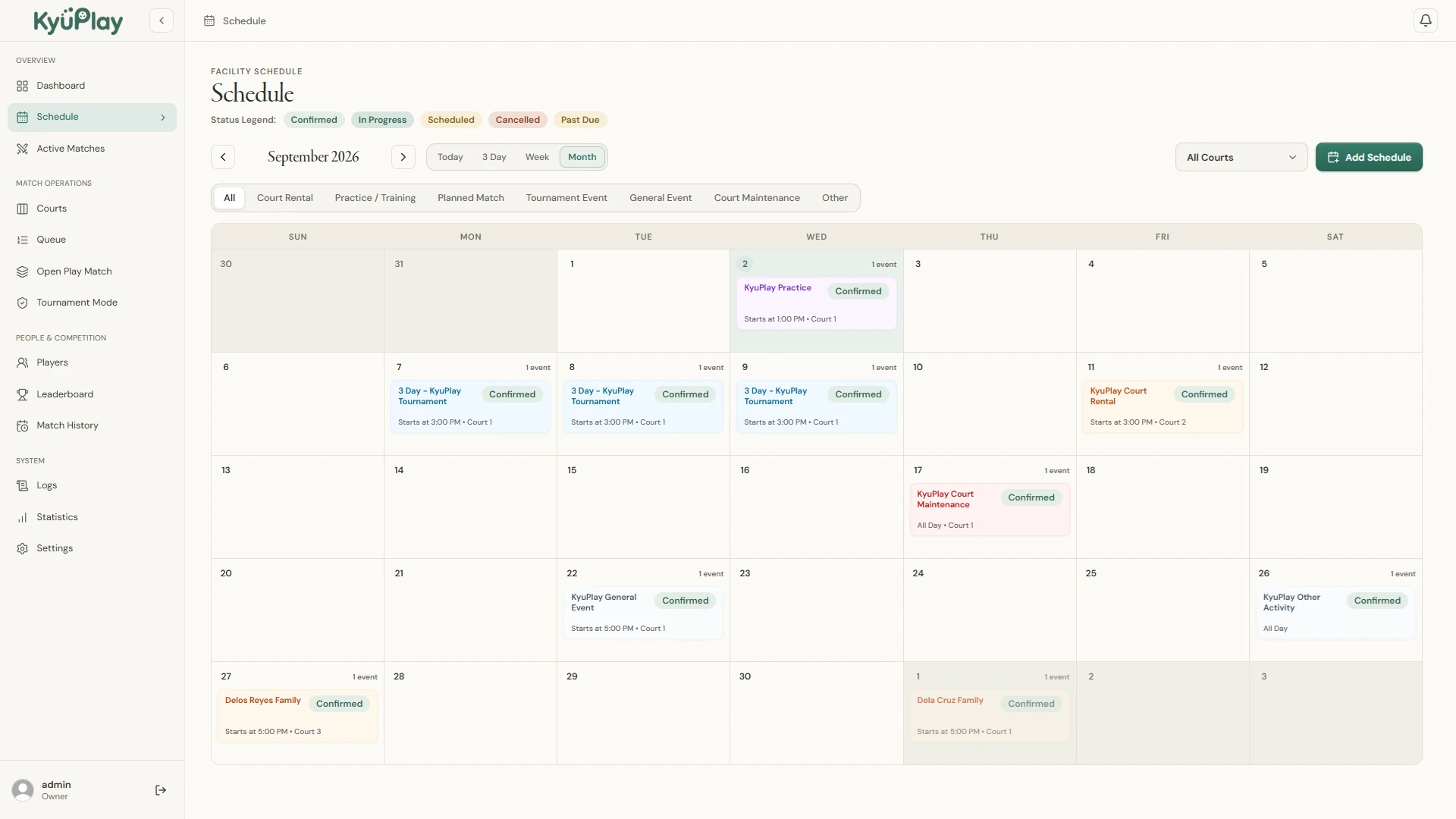
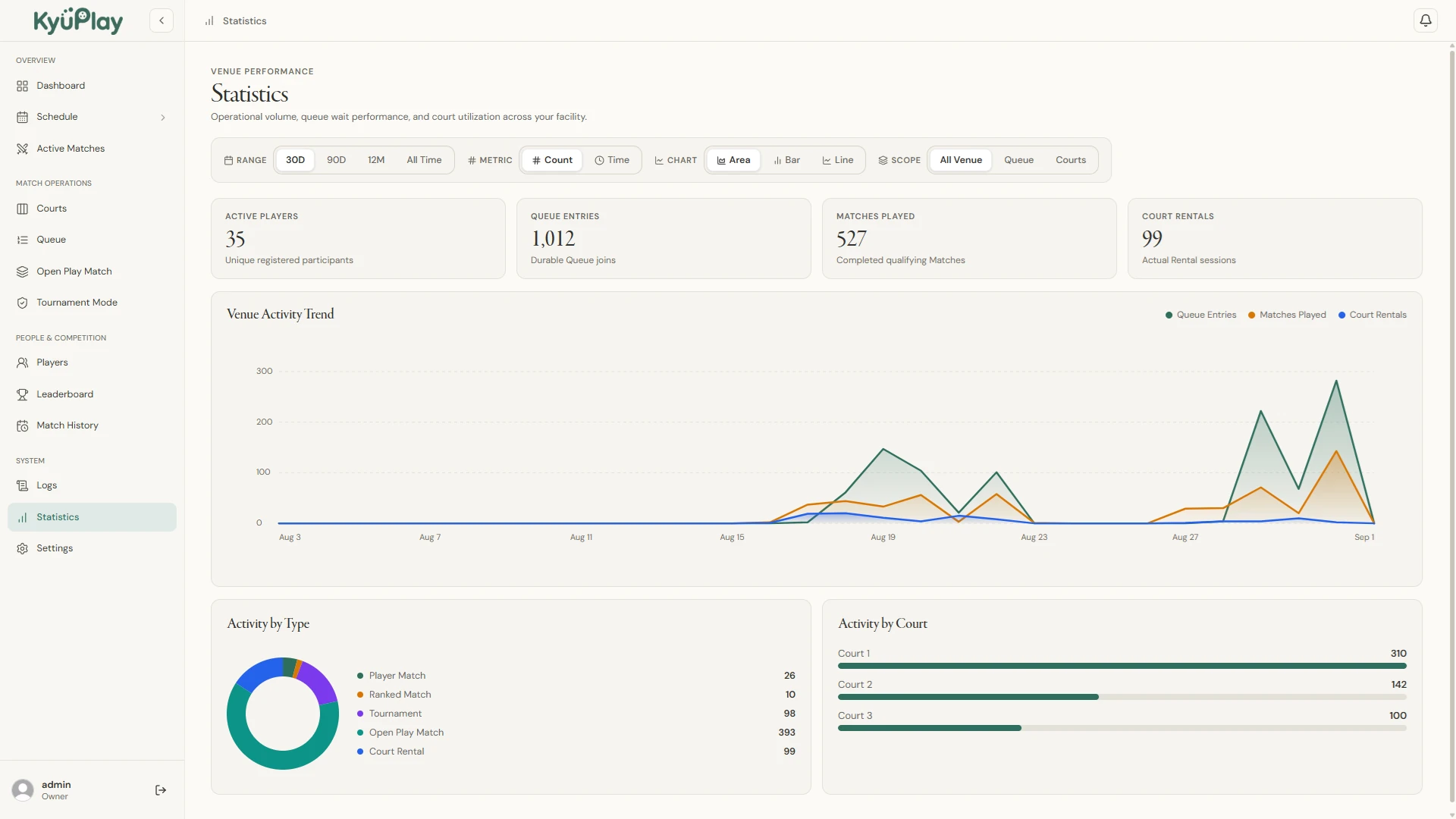
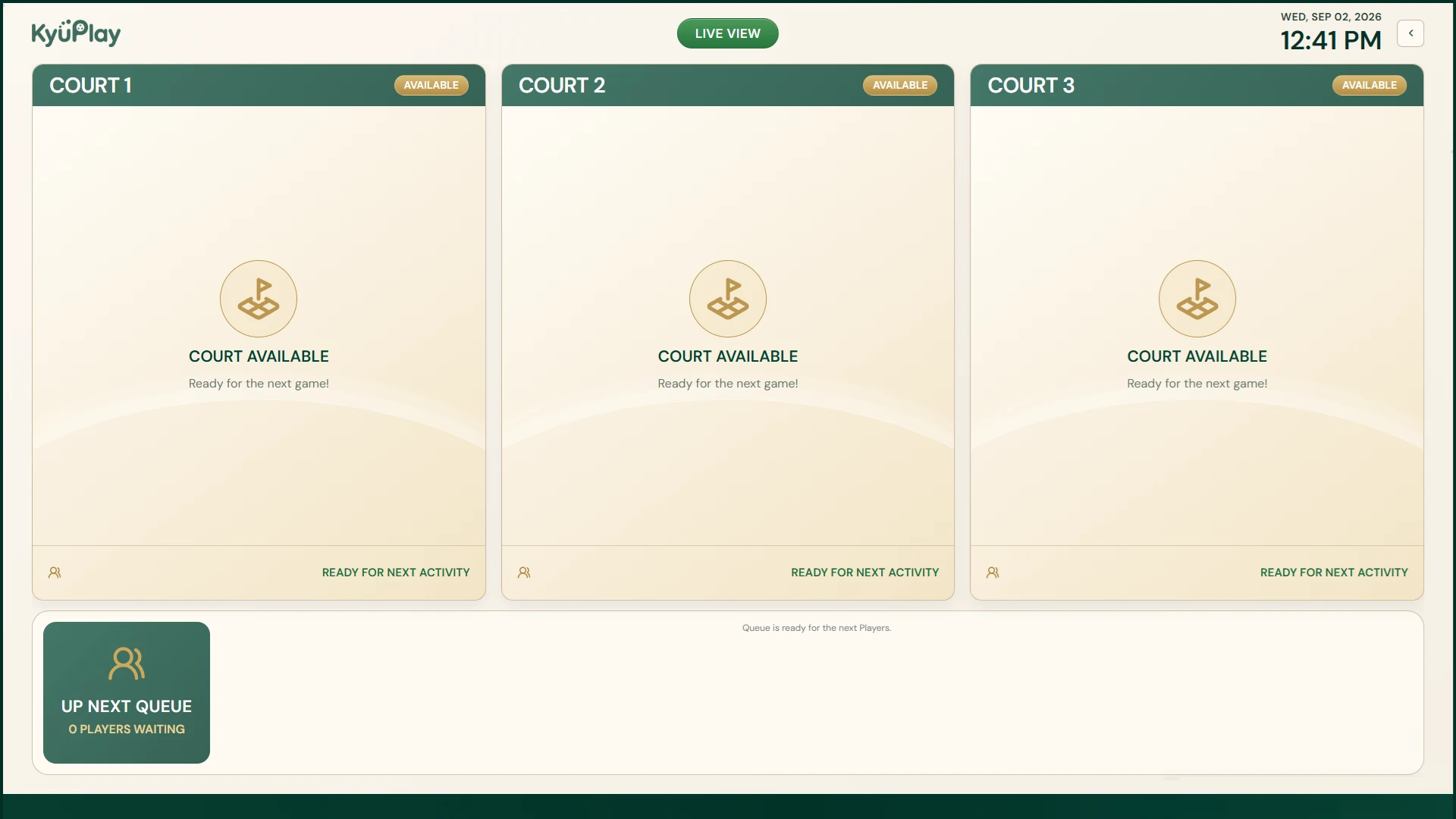
These are current KyuPlay desktop screens, not conceptual mockups.
READY FOR THE DESKTOP?
See the current KyuPlay releases
Review the live Windows and macOS beta release status before downloading.